
 ReclaiMe· Software
ReclaiMe Free RAID Recovery
A free tool that works out a broken array's settings — disk order, block size and start offset — so the array can be rebuilt. It does not recover files itself.
- Price
- Free
- Facts checked
- 24 October 2026
- Runs on Windows
- Licence Free
- RAID 0, 5, 6, 10
- Result Array settings or a full copy
What it does
- Detects the RAID settings from the member disks
- Writes out a full copy of the array or just its parameters
- The result can be opened with ReclaiMe File Recovery, other recovery software or Linux
What it supports
- RAID
-
- 0
- 5
- 5E
- 5 with delayed parity
- 6 (Reed-Solomon)
- 10
- NAS
-
- QNAP
- NETGEAR
- Synology
- Buffalo
- Block sizes
- 512 bytes to 1 MB
- Needs
- Some data on each disk (10–20 GB)
- Runs on
- Windows
Editions and prices
-
Free RAID Recovery
Free
-
To recover files
Use ReclaiMe File Recovery or other recovery software on the rebuilt array
From the maker's website on 24 October 2026. Prices change; confirm with the maker.
Sources: the maker's official pages
Checked on 24 October 2026.
Before you buy
- Check the maker's supported list for your exact drives or chips.
- Prices and features change; ask the maker or its official reseller.
- Never use cracked copies: they break drives and carry malware.
Similar tools
-
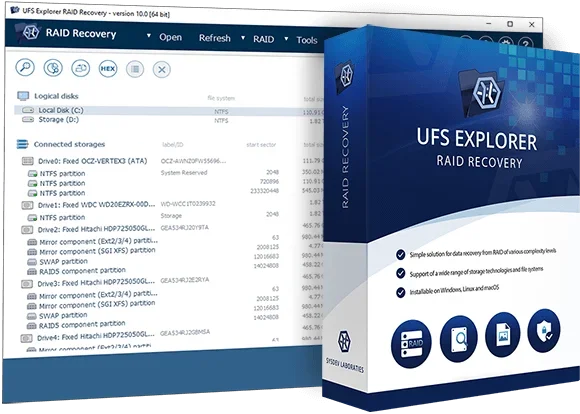
 UFS Explorer RAID Recovery
SysDev Laboratories · Software
UFS Explorer RAID Recovery
SysDev Laboratories · Software
-
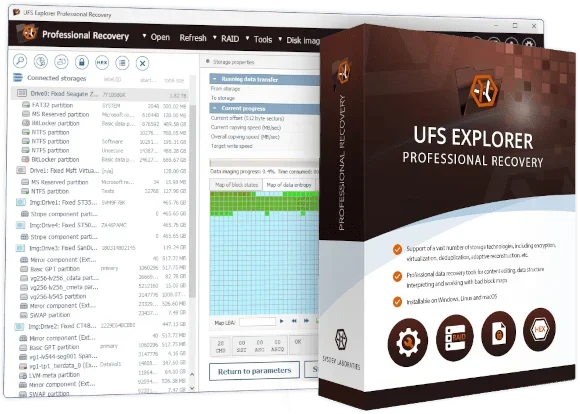 UFS Explorer Professional Recovery
SysDev Laboratories · Software
UFS Explorer Professional Recovery
SysDev Laboratories · Software
-
 R-Studio
R-Tools Technology · Software
R-Studio
R-Tools Technology · Software
-
 TestDisk
CGSecurity · Software
TestDisk
CGSecurity · Software
-
 SalvationDATA DRS
SalvationDATA · Hardware + software
SalvationDATA DRS
SalvationDATA · Hardware + software
- HDDSuperClone Scott Dwyer · Software
Free tools from DataCare Labs
See the tools
HDD Switch by DataCare Labs Freeware
Spin drives down and up from Windows, without unplugging them.
Works with SATA, USB and SAS disks, shows the model and serial before anything is sent, and warns you when the drive is in use.

Folder Snapshot by DataCare Labs Freeware
Send your customer a browsable report of the files you recovered.
One HTML file that opens in any browser, with your own logo and colours and an optional password.
Drive Health by DataCare Labs
Check a drive's SMART health before you start a recovery.
HDD and SSD health and temperature for Windows, read straight from the drive. Works offline; nothing is uploaded.
Coming soon
Product names and trademarks belong to their makers. DataCare Labs is not affiliated with them and does not sell these tools. Facts come from each maker's official pages on the date shown; prices and features change, so check the maker's site before you buy. We never link to cracked or copied software. Tools appear in a new random order every time the page opens (the comparison table is A to Z): the order is not a ranking, and we do not promote any tool. Suggest a tool · Tool makers: contact us